前言
遥想第一次接触数据库还是在大学时期的MySQL课程,可惜那时候应用甚少,在这两年的飘荡游历中已经快忘光光了,只剩下一些残余模糊的印象,考虑到之后可能会和它频繁打交道,今天重新回顾一下,复习复习。
正文
基础
SQL(发音为字母S-Q-L或sequel)是结构化查询语言(Structured QueryLanguage)的缩写。 SQL是一种专门用来与数据库通信的语言。
登录

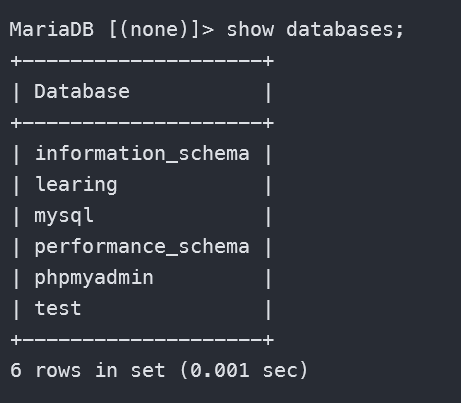
查看数据库
注意:要加冒号;
选择数据库
值得注意的是,这个命令也可以用来切换数据库。
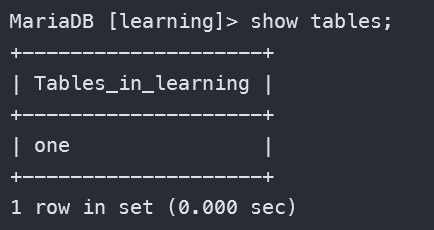
查看数据库中的表
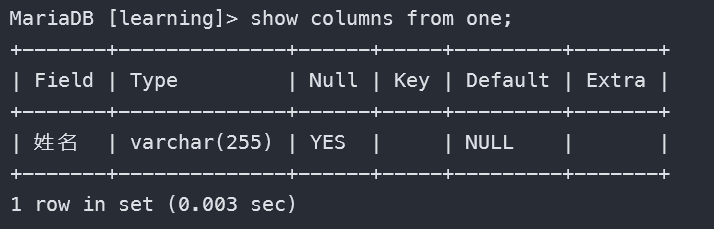
查看表中的列
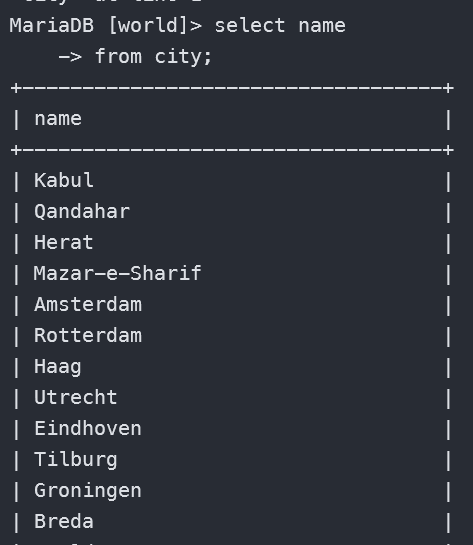
检索单列数据
检索多列数据
1
2
| select name,countrycode,district
from city;
|
检索所有行
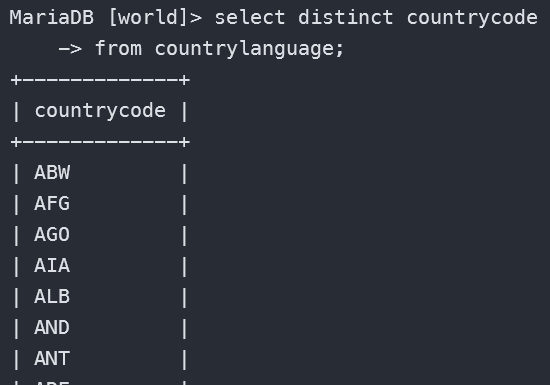
检索不同值
DISTINCT 关键字作用于你 SELECT 之后的所有列,而不是只作用于它紧挨着的那一列。它会把所有列的值组合在一起,作为一个整体来判断是否重复。
比如下面检索CountryCode:
1
2
| select distinct countrycode
from countrylanguage;
|
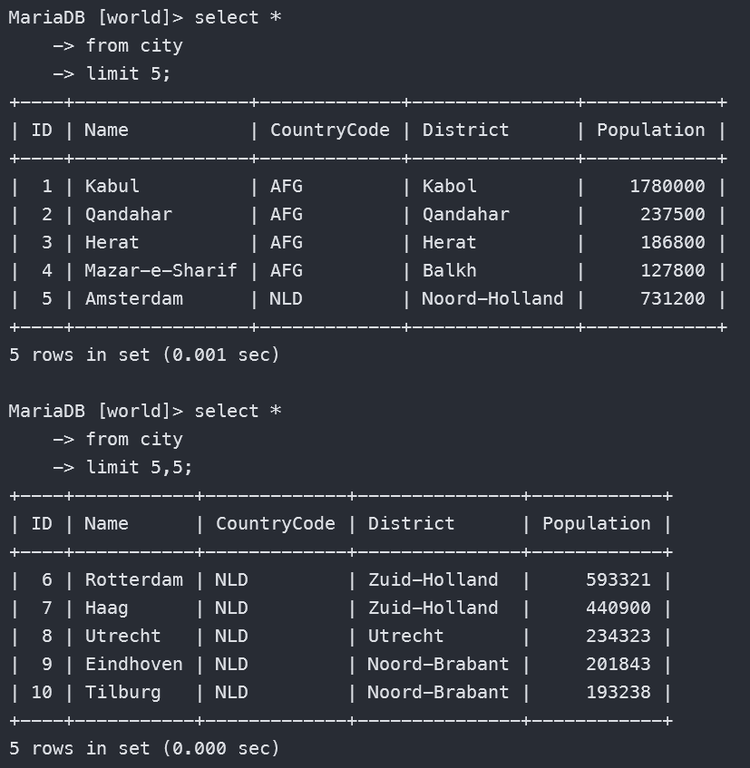
限制行数
1
2
3
4
5
6
7
8
| # 返回首 5 行
select *
from city
limit 5;
# 返回第 5 行开始的 5 行
select *
from city
limit 5,5;
|
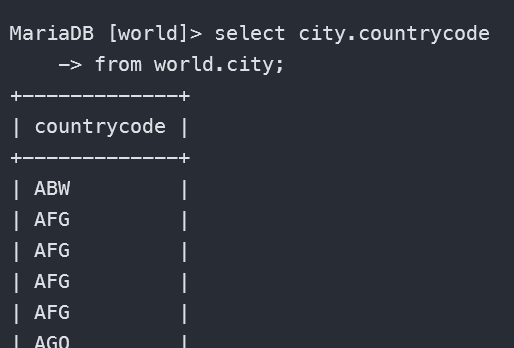
使用完全限定表名
1
2
| select city.countrycode
from world.city;
|
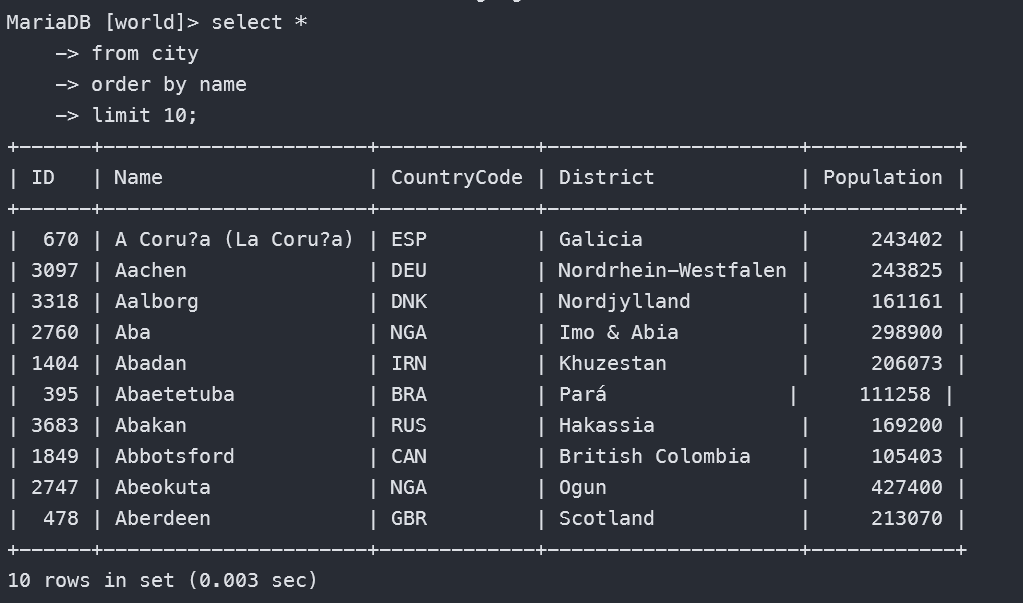
排序检索的数据
1
2
3
4
5
6
7
8
9
10
11
12
13
14
15
16
17
| # 按单个列排序
select *
from city
order by name
limit 10;
# 按多个列排序
select *
from city
order by name,countrycode
limit 10;
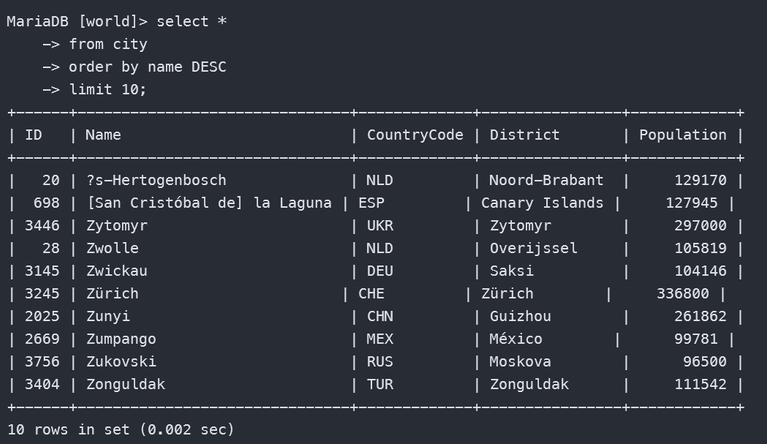
#指定排序方向,默认A-Z,DESC就是Z-A
select *
from city
order by name DESC
limit 10;
|
过滤排序
1
2
3
4
5
6
7
8
9
10
11
12
13
14
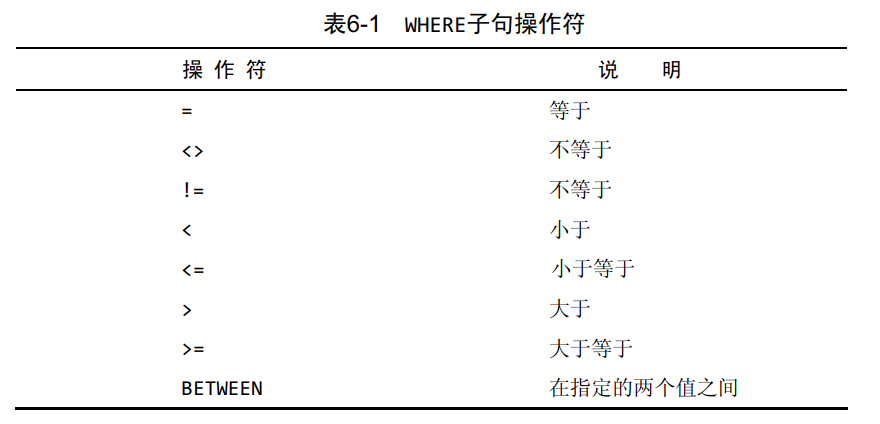
| # 过滤成 population > 200 0000
select *
from city
where population>2000000;
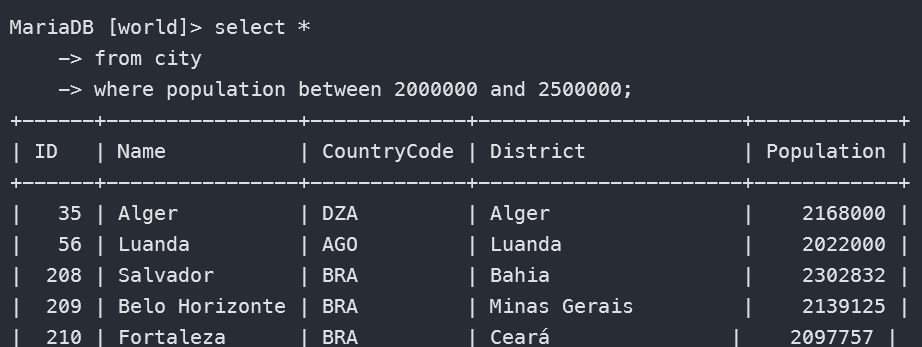
# 过滤成 250 0000 > population > 200 0000
select *
from city
where population between 2000000 and 2500000;
# 空值检查
select *
from city
where population is null;
|
需要注意的是,默认情况下,过滤条件下会自动过滤掉NULL行,除非知名要NULL。
数据过滤
and
1
2
3
| select *
from city
where name='Kabul' and countrycode='AFG';
|
or
1
2
3
| select *
from city
where name='Kabul' or district='Herat';
|
in
1
2
3
| select *
from city
where name in ('Kabul','Haag');
|
not
1
2
3
4
5
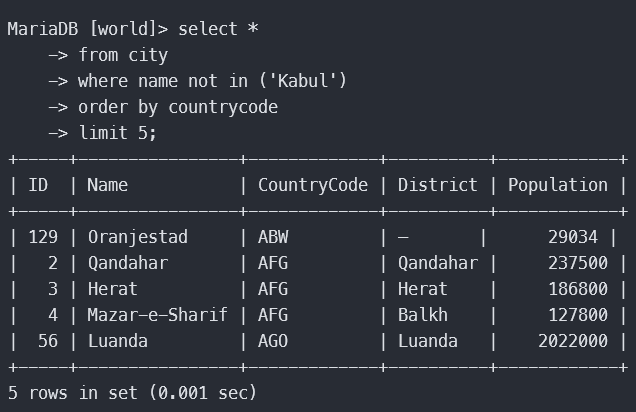
| select *
from city
where name not in ('Kabul')
order by countrycode
limit 5;
|
通配符过滤
通配符本身实际是SQL的WHERE子句中有特殊含义的字符, SQL支持几种通配符。
% 通配符
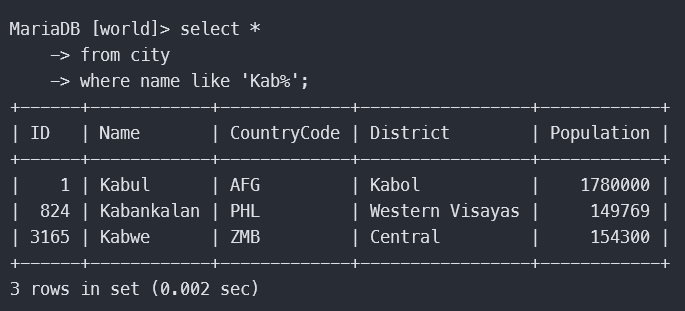
最常使用的通配符是百分号(%)。在搜索串中, %表示任何字符出现任意次数。 (有点类似正则表达式)
注意NULL:虽然似乎%通配符可以匹配任何东西,但有一个例外,即NULL。即使是WHERE prod_name LIKE ‘%’也不能匹配用值NULL作为产品名的行
1
2
3
| select *
from city
where name like 'Kab%';
|
_ 通配符
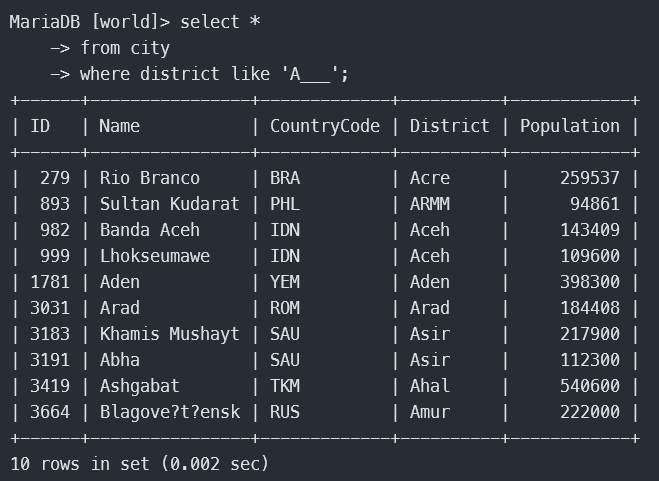
另一个有用的通配符是下划线(_)。下划线的用途与%一样,但下划线只匹配单个字符而不是多个字符。
1
2
3
| select *
from city
where district like 'A___';
|
正则表达式搜索
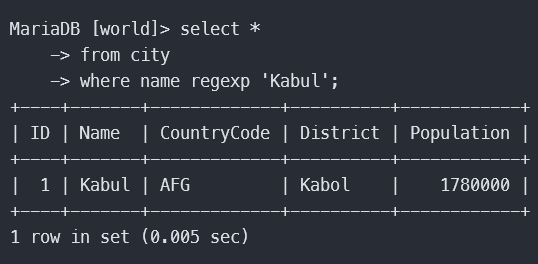
1
2
3
| select *
from city
where name regexp 'Kabul';
|
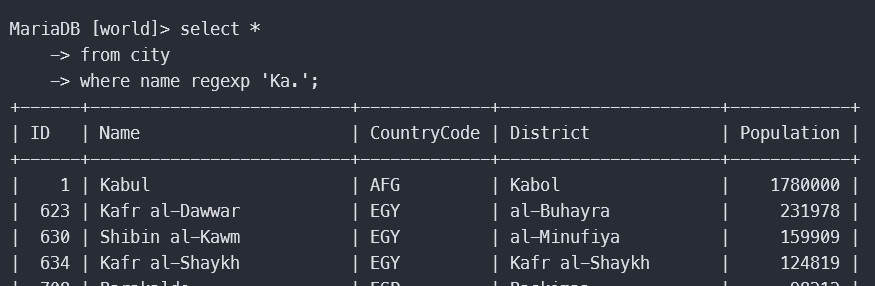
. 匹配任何字符
1
2
3
| select *
from city
where name regexp 'Ka.';
|
or 匹配字符
1
2
3
| select *
from city
where name regexp 'kabul|Qandahar';
|
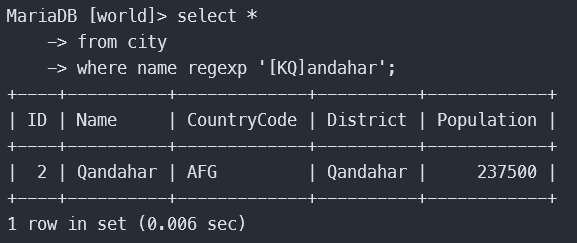
[] 匹配指定的几个字符
1
2
3
| select *
from city
where name regexp '[KQ]andahar';
|
[] 匹配范围
1
2
3
| select *
from city
where population regexp '^[6-9]';
|
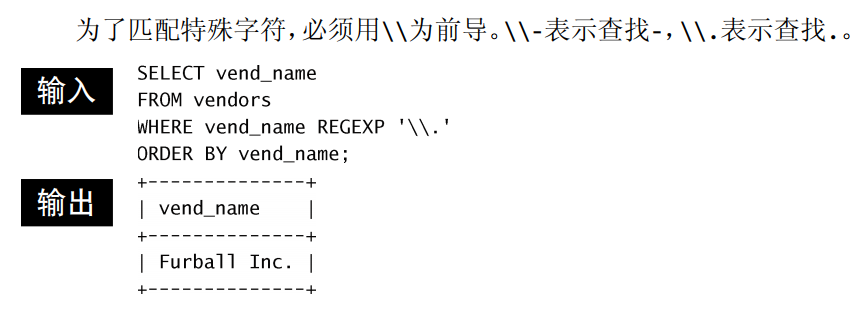
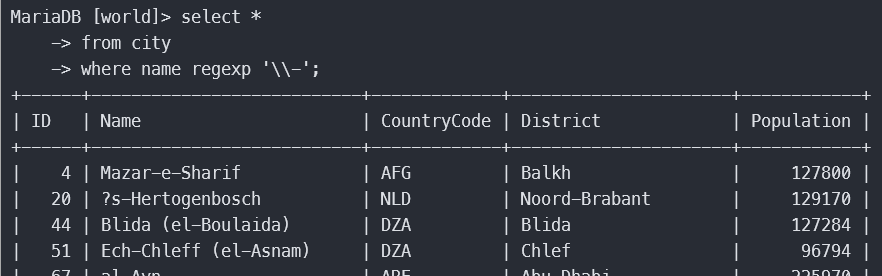
匹配特殊字符
1
2
3
| select *
from city
where name regexp '\\-';
|
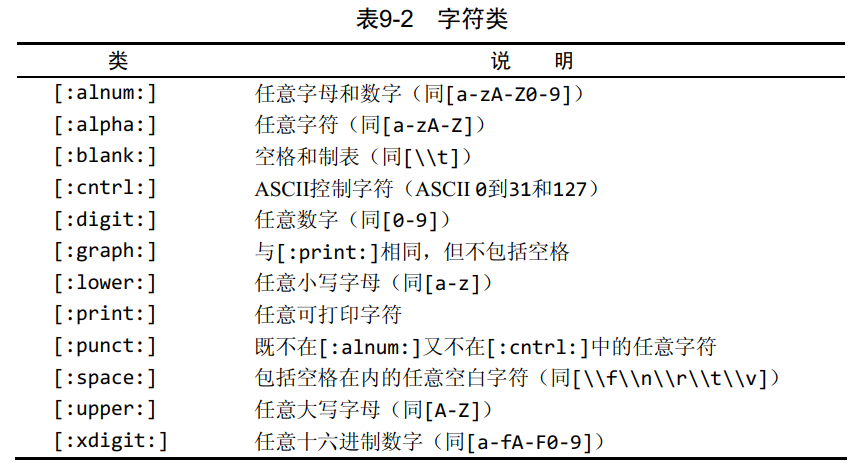
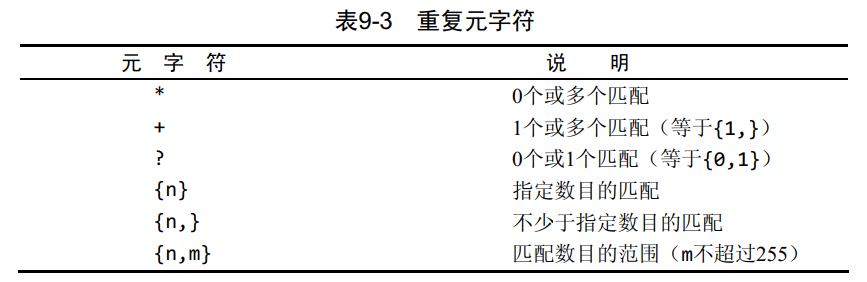
匹配字符类
匹配多个实例
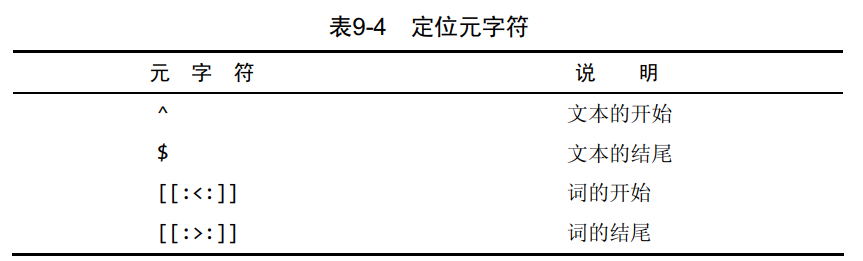
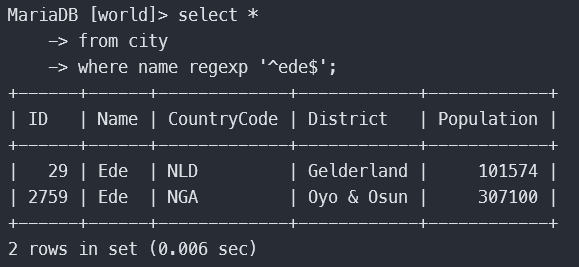
定位符
1
2
3
| select *
from city
where name regexp '^ede$';
|
计算字段
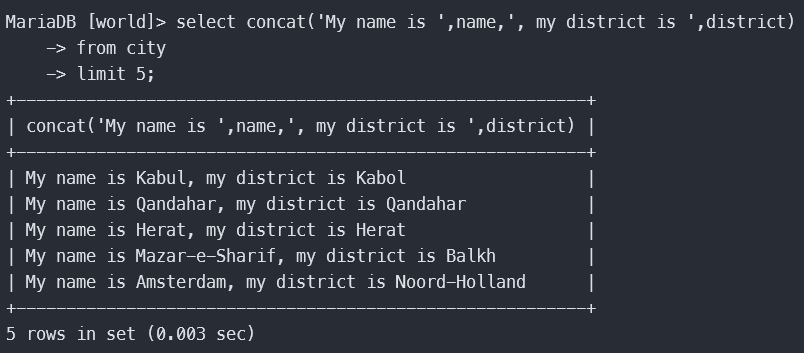
拼接
1
2
3
4
5
6
7
8
9
| select concat('My name is ',name,', my district is ',district)
from city
limit 5;
# 别名
select concat('My name is ',name,', my district is ',district)
as '自我介绍'
from city
limit 5;
|
算数
1
2
3
| select name,surfacearea*lifeexpectancy as '算数计算'
from country
limit 5;
|
数据处理函数
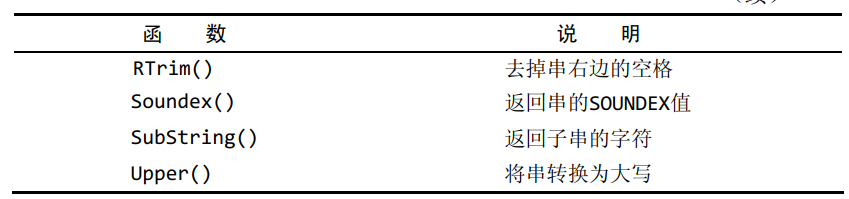
函数
1
2
3
| select upper(name)
from city
limit 5;
|
1
2
3
4
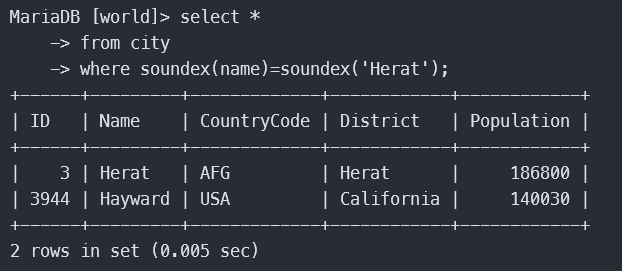
| # 找出和 Herat 发音相似的数据
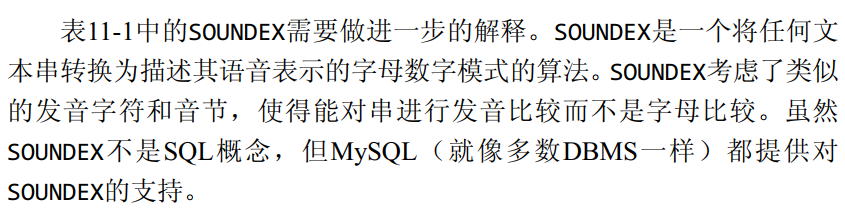
select *
from city
where soundex(name)=soundex('Herat');
|
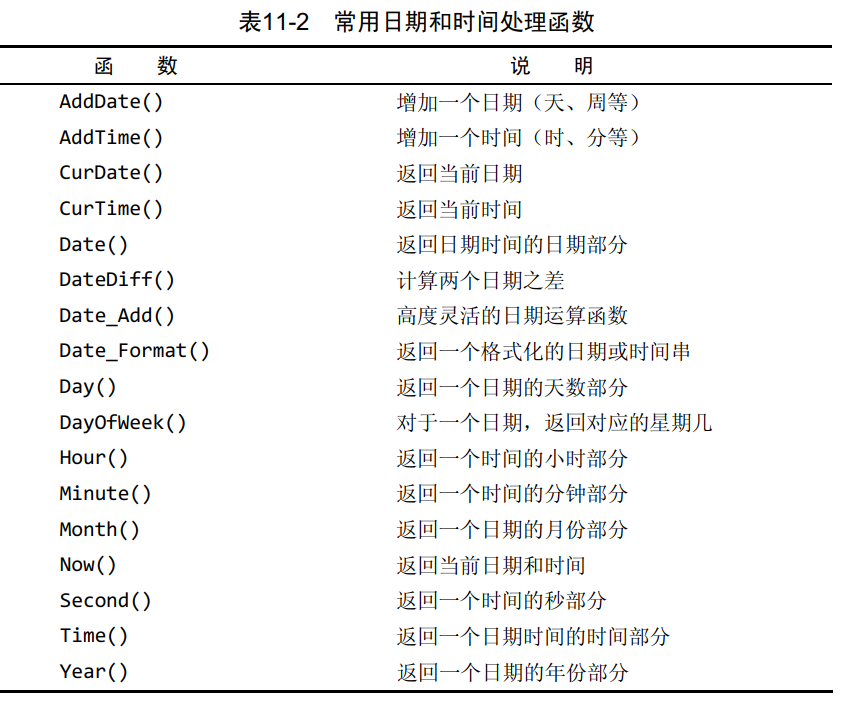
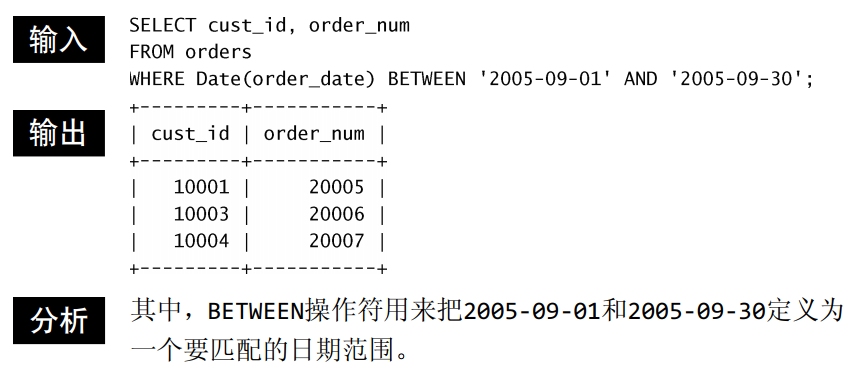
首先需要注意的是MySQL使用的日期格式。无论你什么时候指定一个日期,不管是插入或更新表值还是用WHERE子句进行过滤,日期必须为格式yyyy-mm-dd。因此, 2005年9月1日,给出为2005-09-01。虽然其他的日期格式可能也行,但这是首选的日期格式,因为它排除了多义性(如04/05/06是2006年5月4日或2006年4月5日或2004年5月6日或……)。
未完待续……